
Editing in place
Last updated on
Hover a CSM or date cell and a small pencil appears. Click it to edit right there.
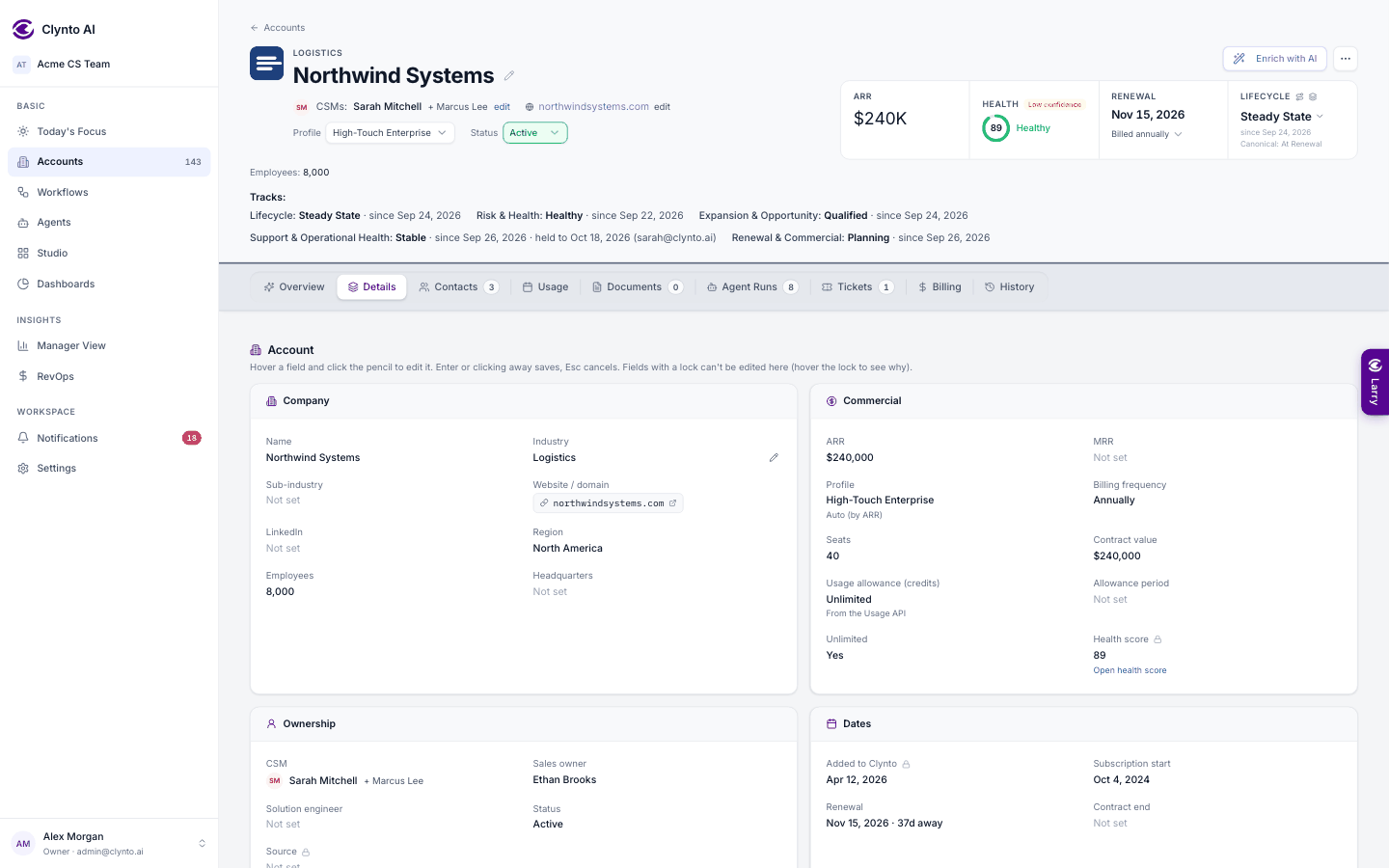
- CSM — a searchable list of your members with avatars and roles, the current owner ticked.
- Dates (renewal, start, contract end, last contact, next review, go-live, kickoff) — a date picker prefilled with the current value. Save, Clear (a wrong renewal date must be removable, not just changeable) or Esc.
Only the edited row refreshes, so editing the fortieth row doesn't scroll you back to the top. Created is deliberately not editable: rewriting it would make the audit trail lie.
Note
Both editors need the accounts.edit permission (Owner and Manager by default, grantable to a CSM). Without it the cells are read-only and no pencil appears. Every change is audit-logged, and date changes keep the previous value too.