
When a customer churns
Last updated on
There are two ways an account ends up churned, and both end in the same place.
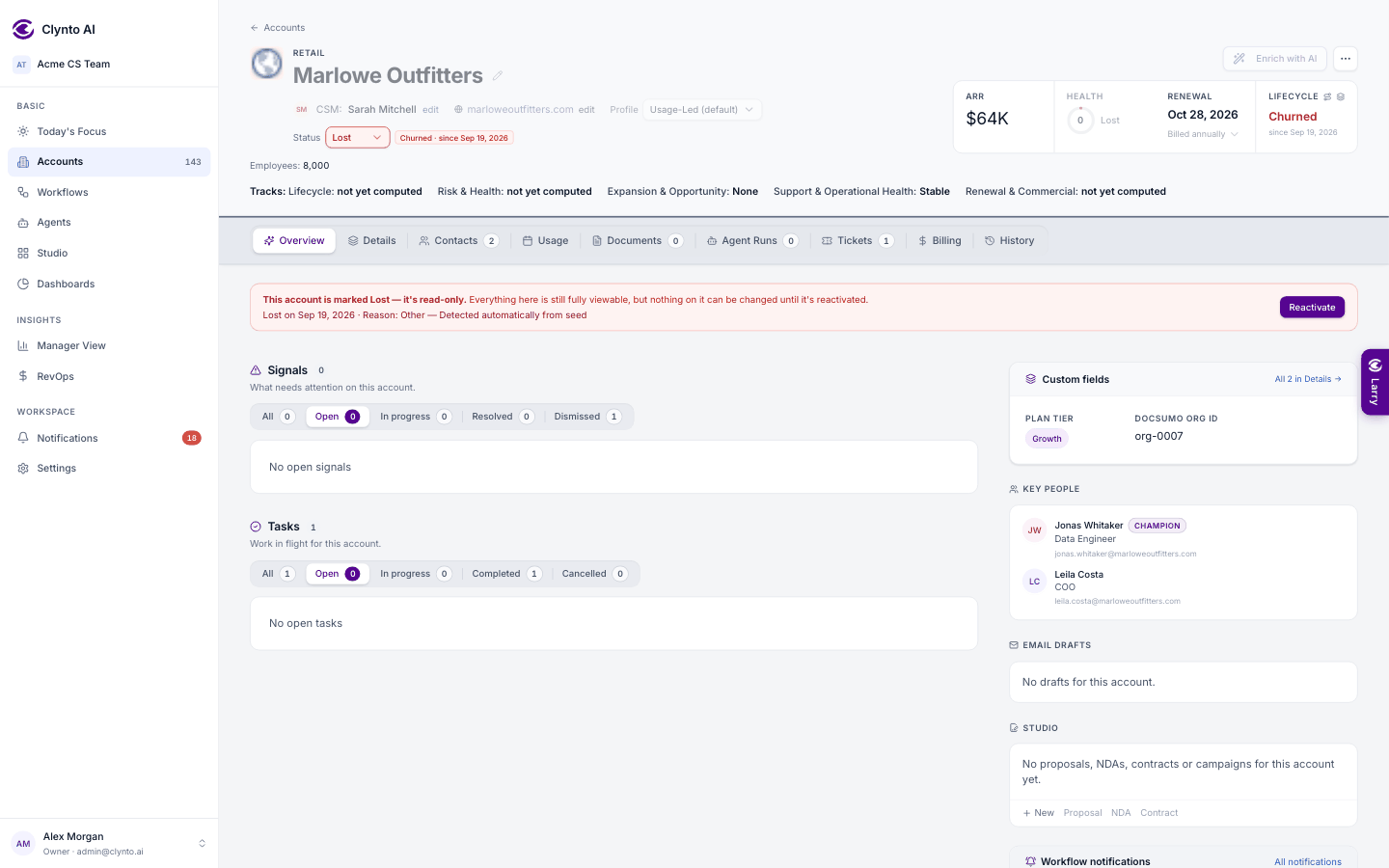
- Marked Lost directly — from the status picker, bulk edit, CSV, a synced status or Larry. The account is churned immediately: Churned stage and tag, health 0, signals dismissed, automation stopped (see "Active and Lost").
- Marked churned on its journey — the stage moves to Churned straight away. When the calendar month in which it churned has passed, a sweep sets the status to Lost.
Either way, there is no lock-in: set the account back to Active whenever the customer returns. The journey, health and signals are recomputed on the next pass.